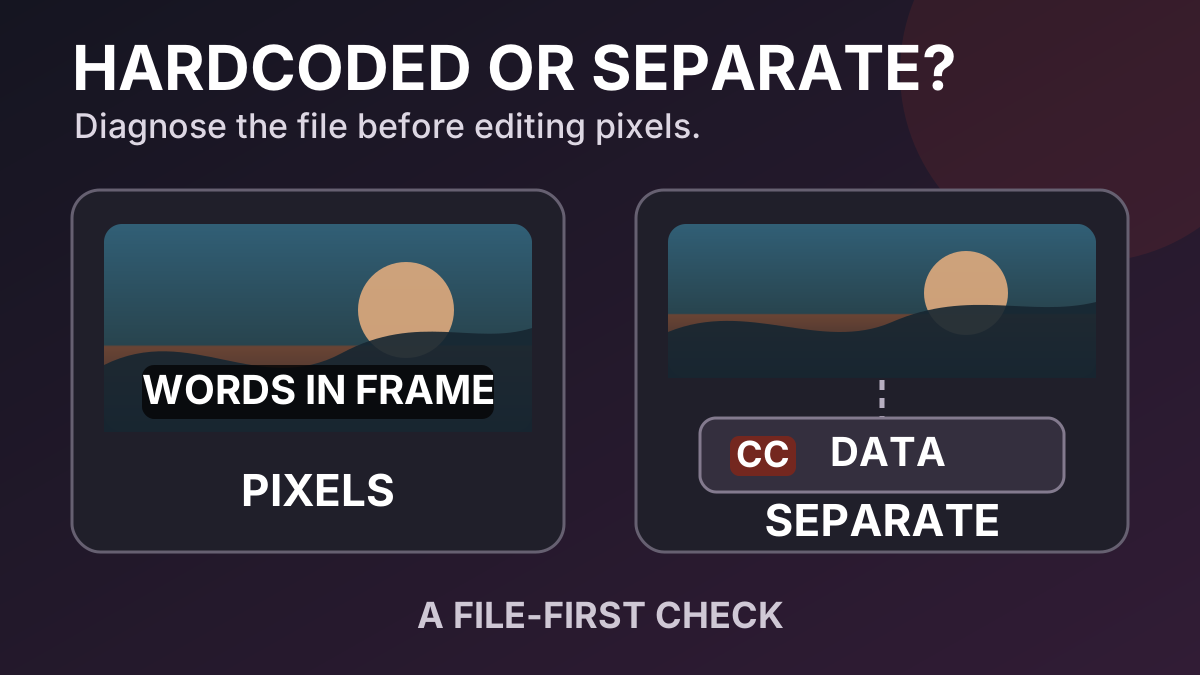
Hardcoded or Soft Subtitles? A File-First Diagnosis
A caption button is useful, but it does not tell you how every visible word reached the screen. A video can contain text in the picture, a separate subtitle stream, captions carried inside a video stream, or more than one of these at once. Starting with the wrong assumption can turn a track-management job into unnecessary pixel reconstruction.
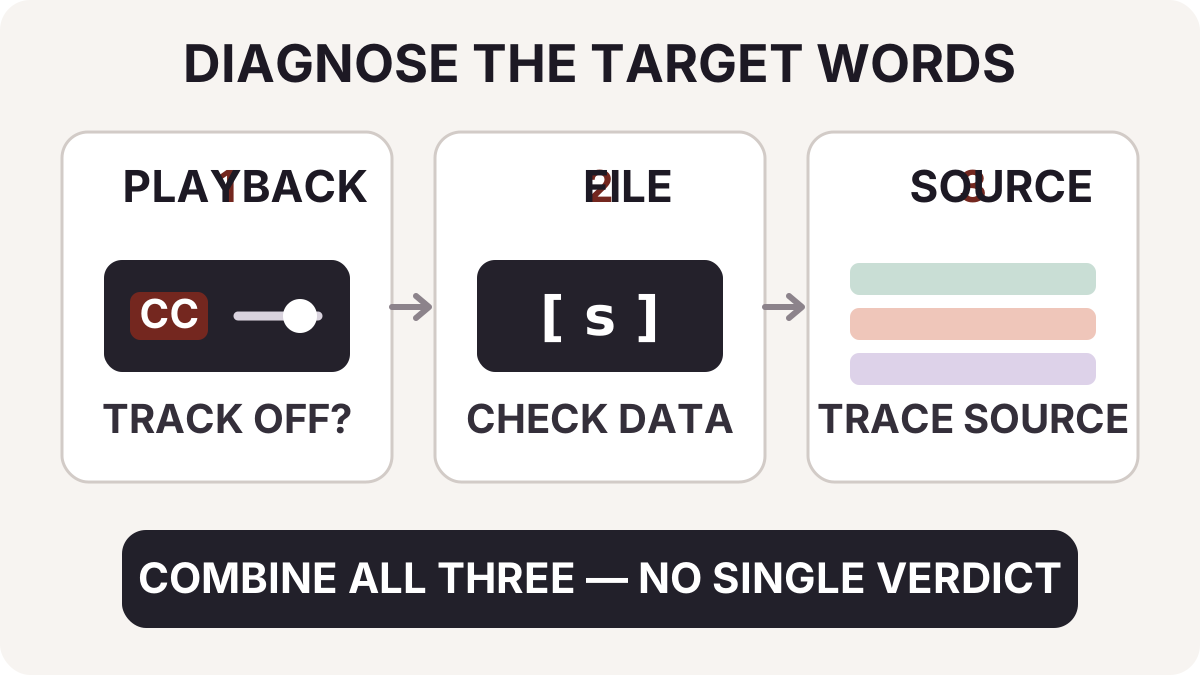
This guide uses a controlled file pair to show what each check proves. The practical rule is simple: combine playback, file, and source evidence before choosing an editing workflow.
A controlled test: the same picture, two subtitle paths
We made two MP4 files from Markswipe's 10-second validation excerpt of Big Buck Bunny © 2008 Blender Foundation / peach.blender.org, used under CC BY 3.0. The excerpt was resized, re-encoded, and given a synthetic burned-in subtitle for removal testing. Both files in this check contain the same visible line in the same video frames.
- File A contains the video and audio only. The visible line is part of the picture.
- File B keeps those same video frames and adds a separate English
mov_textsubtitle stream. It is a hybrid file: one line is burned in, while another subtitle path remains separately managed.
We then ran this command on both files:
ffprobe -v error -select_streams s \
  -show_entries stream=index,codec_name:stream_tags=language,title \
  -of json input.mp4
The relevant output was:
File A: "streams": []
File B: index 2, codec_name "mov_text", language "eng"
The result exposes an important limit. File A's empty subtitle-stream list does not identify the visible letters; it only says that this check found no independent subtitle stream. File B proves the reverse limit: finding a soft subtitle stream does not prove that every visible word is soft. Hardcoded and separate subtitles can coexist.
That is why the following checks work as an evidence set, not as three independent verdicts.
Evidence 1: observe the player, but record its limits
Move to a moment when the target words are visible. Use the caption or subtitle control to turn the active track off.
- If the target words disappear without changing the picture, the player was rendering them from a separately controlled source.
- If they remain, record that result as unresolved, not “hardcoded.”
YouTube's caption settings illustrate the first case: when captions are available to the player, the CC control can show or hide them. A desktop player or editing app may expose similar controls.
A missing CC button proves even less. The player may not support the subtitle format, a sidecar may be missing, or the publishing platform may have withheld the track. Test the exact words you plan to change; do not infer from the presence or absence of a button alone.
Evidence 2: inventory the file, not just timed text
“Soft subtitle” means the subtitle remains separate from the video pixels. It does not always mean editable text.
- SRT, WebVTT, and some embedded codecs carry timed text. WebVTT, for example, is a text-track format that a web page can associate with video through a separate
<track>element. - DVD VobSub and Blu-ray PGS are bitmap subtitle formats. They can still be separate subtitle streams, but changing their wording is not the same operation as editing an SRT file. FFmpeg's subtitle codec documentation describes bitmap subtitle codecs including DVD subtitles.
- Some broadcast closed captions are carried as data associated with a video stream rather than as a stream selected by
s.
The first ffprobe command inventories independent subtitle streams because FFmpeg defines s as the subtitle stream selector. Inspect each returned codec_name, language, and title before deciding whether to omit, replace, convert, or preserve it.
We also ran the first command on two public FFmpeg boundary samples:
- The 23 KB PGS sample returned stream index 1 with codec
hdmv_pgs_subtitle. This is a separate bitmap subtitle stream, not editable timed text. - The closed-caption MPEG-TS sample returned an empty subtitle-stream list even though its video frames carry caption side data.
For the second case, we inspected one second of frame side data with FFmpeg 6.1.1:
ffprobe -v error -read_intervals "%+1" -select_streams v:0 \
  -show_frames -show_entries frame=side_data_list -of json input.ts
The output included side_data_type: "ATSC A53 Part 4 Closed Captions". This command examines the first video stream and only the chosen interval. Change the stream selector and interval to cover a representative section where captions are expected. FFmpeg's current ffprobe documentation also describes version-dependent stream-level frame analysis; check the options supported by your installed build.
An empty result from both commands still leaves sidecar files and platform-managed captions outside the container. Check the delivery folder and platform settings before treating visible words as pixels.
Evidence 3: trace the source and delivery record
The source project answers a different question: what did the exporter intentionally combine?
Look for a caption lane, text layers, separate SRT/VTT files, bitmap subtitle assets, a clean master, and captions attached after upload. Also record which version of the file reached the player. A clean master is stronger evidence than a visual guess because it preserves the actual picture behind the text.
If you received the file from someone else, ask for the source or delivery notes. Do not run a destructive cleanup merely because the current player and the first stream query were inconclusive.
Turn the evidence into a diagnosis
| Evidence | What you can conclude | What you still cannot conclude |
|---|---|---|
| Target words disappear when the track is off | Those words are separately rendered in that playback context | Whether another visible line is burned in |
s stream is present | The container has an independent text or bitmap subtitle stream | Whether the target words come from that stream |
| Video analysis reports closed captions | Caption data is associated with the analyzed video stream | Whether the player exposes it or other text is burned in |
| Editable caption/text layer or clean master exists | You can produce a clean export without reconstructing covered pixels | Whether the delivered copy also contains extra subtitle paths |
| Target words persist and source records show they were rendered | Those words are hardcoded in that export | What the hidden original pixels looked like |
Keep a one-line diagnosis tied to the target text, for example: “Lower-third English line persists with tracks off; no sidecar; source export confirms the text layer was enabled.” That record is more useful than labeling the entire file “hardcoded” or “soft.”
Choose the least destructive workflow
| Diagnosed path | First choice | Quality check |
|---|---|---|
| Platform or sidecar timed text | Disable, edit, or replace it at the delivery layer | Language, timing, and accessibility controls still work |
| Embedded text subtitle stream | Omit, convert, or remux the intended stream | Correct stream removed; video and audio handled as intended |
| Bitmap subtitle stream | Preserve, replace, extract, or omit it with a compatible workflow | Forced subtitles and intended languages are not lost |
| In-band closed captions | Use tools that understand that caption data and delivery standard | Captions remain available where required |
| Text layer in the source project | Hide or edit the layer and export again | Clean picture plus an accessible caption delivery |
| Confirmed text in the picture, no clean source | Assess visual reconstruction on authorized footage | Motion, cuts, faces, hands, and fine detail across the full result |
When the final case is the only suitable route for footage you are authorized to edit, Markswipe can remove subtitles that are burned into the video. The output reconstructs an image region; it does not reveal a hidden clean frame. Review the whole preview in motion.
Terms that answer different questions
Captions and subtitles describe what the content communicates. W3C accessibility guidance uses “captions” for same-language speech plus relevant non-speech audio information and “subtitles” for translated speech, while noting that regional usage varies.
Open and closed describe viewer control in a presentation. Open captions are always displayed; closed captions can be shown or hidden in a compatible player.
Separate and hardcoded describe the editing path. Separate subtitle or caption data remains outside the final picture pixels. Hardcoded text has been composited into the frames.
These dimensions can overlap. If accessibility captions were burned into an authorized export, diagnose the delivery before you clean up burned-in captions, then restore an accessible caption option in the replacement delivery where needed.
Common questions
Does an empty ffprobe -select_streams s result prove the text is hardcoded?
No. It rules out independent subtitle streams detected by that probe. It does not rule out sidecars, platform tracks, caption data associated with the video stream, unsupported formats, or a hybrid file.
Can soft subtitles be bitmap images?
Yes. “Soft” describes separation from the video picture, not whether the subtitle payload is editable text. PGS and VobSub are common bitmap examples.
Can a file contain both hardcoded and soft subtitles?
Yes. Our controlled File B does exactly that. Diagnose the specific words you want to change instead of assigning one label to the whole container.
Can OCR restore the clean picture?
No. OCR can estimate the characters visible in an image. It does not recover the original pixels covered when the text was rendered. Text extraction and visual reconstruction are different tasks.
Only edit video you own or are authorized to change. Do not remove attribution, provenance, safety, or legally required disclosure marks.
How this guide was checked
- The controlled pair used the attributed Big Buck Bunny validation excerpt described above. File A is the repository's content-hashed before sample; File B copies its video and audio streams and adds
mov_text. The outputs shown above are the actual observed fields. - The PGS and closed-caption edge cases were reproduced with the two linked FFmpeg sample files. The PGS stream and A/53 frame-side-data values shown above are observed output, not inferred examples.
- Definitions and edge cases were checked against W3C, MDN, YouTube, and FFmpeg documentation rather than copied from another tool site.
- Both diagrams are original Markswipe graphics. They explain the diagnosis and do not present a simulated removal result as product evidence.
- Research and the first drafting pass used AI assistance. The final draft was checked claim by claim against the cited sources and command output before publication review.
Sources and further reading
Table of Contents
Author
Categories
Tags
More Posts
Why Video Watermark Removal Looks Blurry: A Scene-by-Scene Diagnosis
A practical quality checklist for understanding blur, smearing and temporal artifacts after a visible watermark is removed.
Fixed or Moving Watermark? Choose the Right Removal Workflow
A coordinate-based test for choosing between a fixed removal box, a tracked mask and a clean source export.